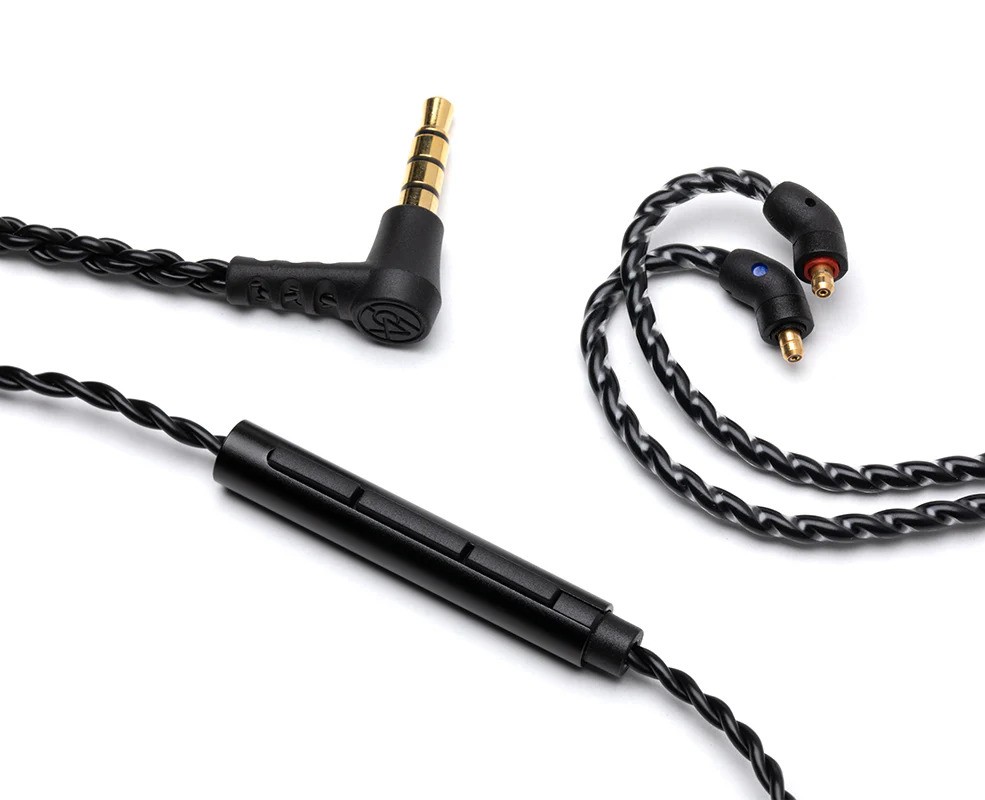
64 Audio Microphone cable 2 Pin/IPX
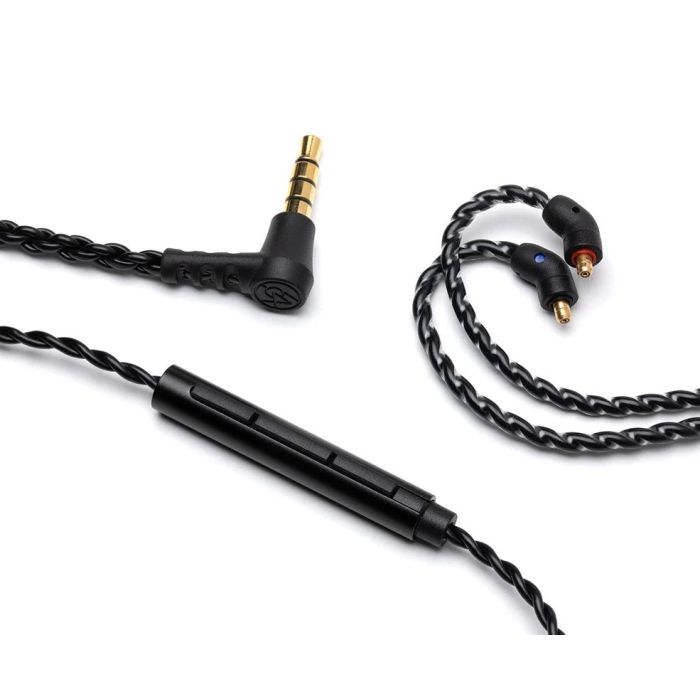
The 48" Cable with Microphone is a great way to control your music and take phone calls when on the go. It features the standard 2-Pin IEM connector on one side and the 3.5mm (1/8") audio jack on the other side. Each 2-Pin connector is marked with a red or blue dot. Red=Right, Blue=Left. Attach each side with the colored dot facing up.
This cable has a four-conductor TRRS connector (3.5mm, 1/8" jack) and may not work with audio equipment that doesn't support the TRRS connector. Because of this, all Cable with Microphone accessories come with the Microphone Cable Adaptor.
This cable is now compatible with ALL models including our A-Series, U-Series, and legacy V-Series models.
How to use the single button control on the Cable with Mic:
Music Controls: A short press of the button will pause your music or resume music playback. Two short presses will skip to the next music track.
Call Controls: A short press of the button will accept the incoming call and another press will end the call.
Voice Controls: Press and hold the button utill your phone’s voice assistant turns on. Android devices may require you to press and hold the button an additional time once the voice assistant is on before commands can be spoken.
The 48" Cable with Microphone is a great way to control your music and take phone calls when on the go. It features the standard 2-Pin IEM connector on one side and the 3.5mm (1/8") audio jack on the other side. Each 2-Pin connector is marked with a red or blue dot. Red=Right, Blue=Left. Attach each side with the colored dot facing up.
This cable has a four-conductor TRRS connector (3.5mm, 1/8" jack) and may not work with audio equipment that doesn't support the TRRS connector. Because of this, all Cable with Microphone accessories come with the Microphone Cable Adaptor.
This cable is now compatible with ALL models including our A-Series, U-Series, and legacy V-Series models.
How to use the single button control on the Cable with Mic:
Music Controls: A short press of the button will pause your music or resume music playback. Two short presses will skip to the next music track.
Call Controls: A short press of the button will accept the incoming call and another press will end the call.
Voice Controls: Press and hold the button utill your phone’s voice assistant turns on. Android devices may require you to press and hold the button an additional time once the voice assistant is on before commands can be spoken.
See the Trustpilot reviews section below for customer reviews.
Found a lower price?
Please complete the form below.
Price found at another internet retailer or their store:
This form is protected by reCAPTCHA - the Google Privacy Policy and Terms of Service apply.
This is a request only. We have the right to refuse any request at our discretion. We only accept requests from stores that have brand new stock and are authorized dealers. We do not accept requests from auction sites and marketplaces.
64 Audio Microphone cable 2 Pin/IPX

- Australian Stock & Warranty
- Authorised Reseller
- Free Shipping
Found a lower price?
Please complete the form below.
Price found at another internet retailer or their store:
This form is protected by reCAPTCHA - the Google Privacy Policy and Terms of Service apply.
This is a request only. We have the right to refuse any request at our discretion. We only accept requests from stores that have brand new stock and are authorized dealers. We do not accept requests from auction sites and marketplaces.
Reviews